
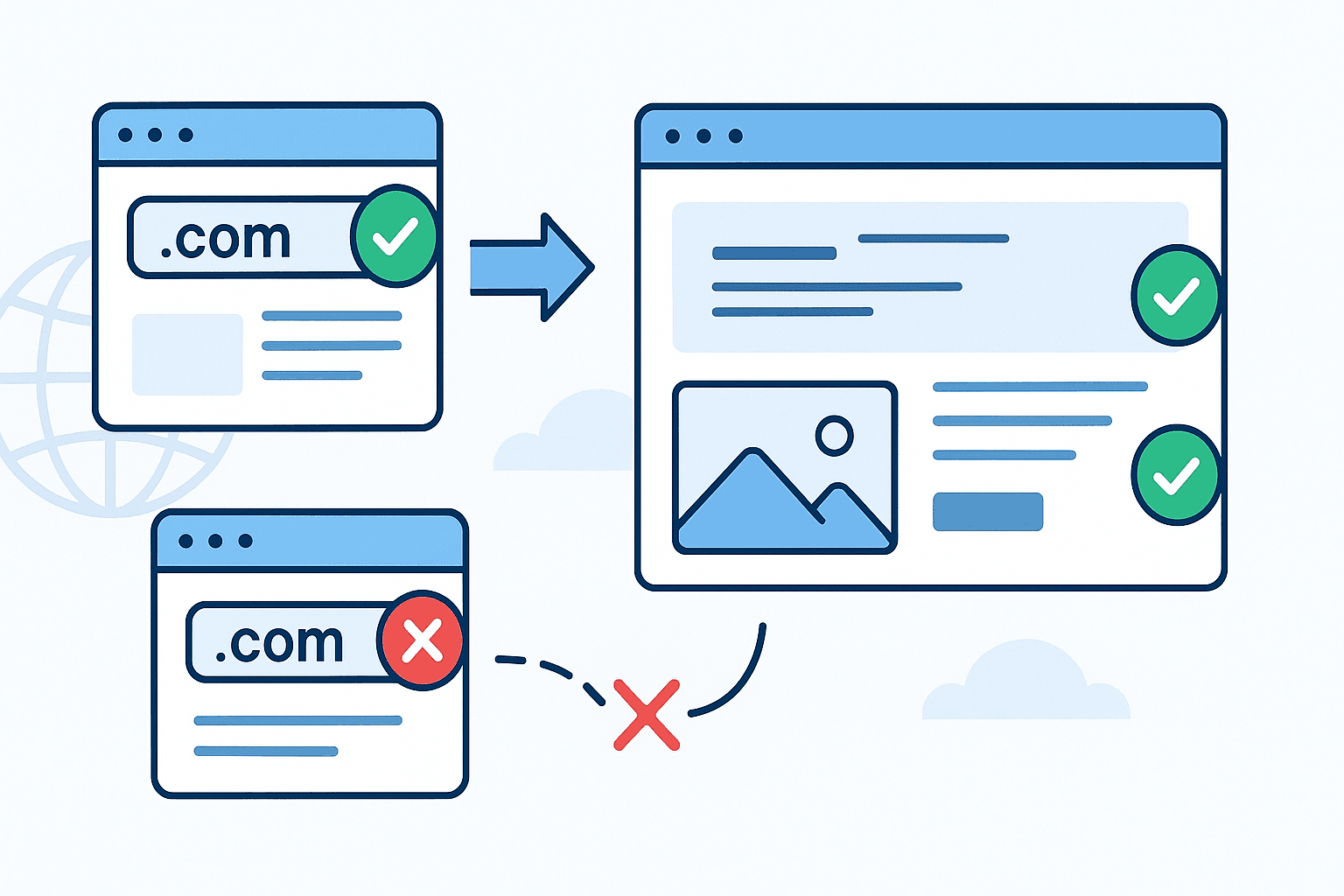
Your cold email domains need websites. Not redirects. Actual websites.
This might seem like extra work, but it's one of the simplest things you can do to improve your domain reputation and email deliverability.
What Email Providers Check
Email service providers (ESPs) like Gmail, Microsoft 365, and others don't just look at your email authentication (SPF, DKIM, DMARC). They also check:
- Does the domain have a website? A domain without any web presence looks suspicious
- Is it a redirect? Redirects to other domains are a red flag
- What's the hosting reputation? The IP addresses serving your website matter
- Is there real content? Placeholder pages aren't enough
A domain that only sends emails but has no web presence looks like it exists solely for spam. That's exactly what spammers do - they register domains, skip setting up websites, and blast out emails.
Why Redirects Hurt Your Reputation
You might think: "I'll just redirect my cold email domain to my main website. Problem solved!"
This is a mistake.
When ESPs see a redirect, they think:
- This domain is trying to borrow reputation from another domain
- This domain has no real purpose except sending emails
- This is a common spammer tactic
A redirect actually makes your domain look MORE suspicious, not less.
What You Actually Need
The good news: You don't need a fancy website. You need:
- A simple landing page with your company name and basic info
- Links back to your main website for people who want to learn more
- Contact information so you look legitimate
- Reputable hosting on a platform with good IP reputation
That's it. A single HTML page is enough.
Why Hosting Provider Matters
Not all hosting is equal for domain reputation. Using a cheap or unknown hosting provider can hurt you because:
- Their IP addresses may have bad reputation from other customers
- Email providers track hosting provider reputation
- Some providers are known for hosting spam sites
Recommended hosting providers:
- Vercel - Free tier available, excellent IP reputation
- Netlify - Also free, good reputation
- Cloudflare Pages - Free, excellent reputation
- GitHub Pages - Free for public repos
We recommend Vercel specifically because:
- Free for simple static sites
- Excellent IP reputation
- Easy custom domain setup
- Fast global CDN
How to Set Up Your Landing Page
- Create a simple HTML file with your company info
- Deploy it to Vercel (free account)
- Add your cold email domain as a custom domain
- Point your DNS A record to Vercel's IPs (not a redirect!)
The entire process takes about 10 minutes.
Use Our Free Tool
We've made this even easier. Our Domain Website Generator lets you:
- Enter any website URL
- We automatically generate a simplified landing page based on it
- Download the HTML file
- Deploy to Vercel with our step-by-step instructions
It's free, takes 30 seconds, and gives you exactly what you need for domain reputation.
Important-Emails Does This Automatically
When you use Important-Emails for your cold email infrastructure, we handle all of this for you:
- Automatic website generation for all your sending domains
- Vercel hosting on reputable infrastructure
- DNS configuration handled automatically
- No manual work required
One less thing to worry about when scaling your cold email operations.
Quick Checklist
Before sending cold emails from a new domain:
- Domain has a real website (not a redirect)
- Website is hosted on reputable provider (Vercel, Netlify, etc.)
- DNS A record points directly to hosting IPs
- Page has company name and contact info
- Links back to main website work
Important-emails automatically sets up landing pages for all your cold email domains on reputable hosting.