
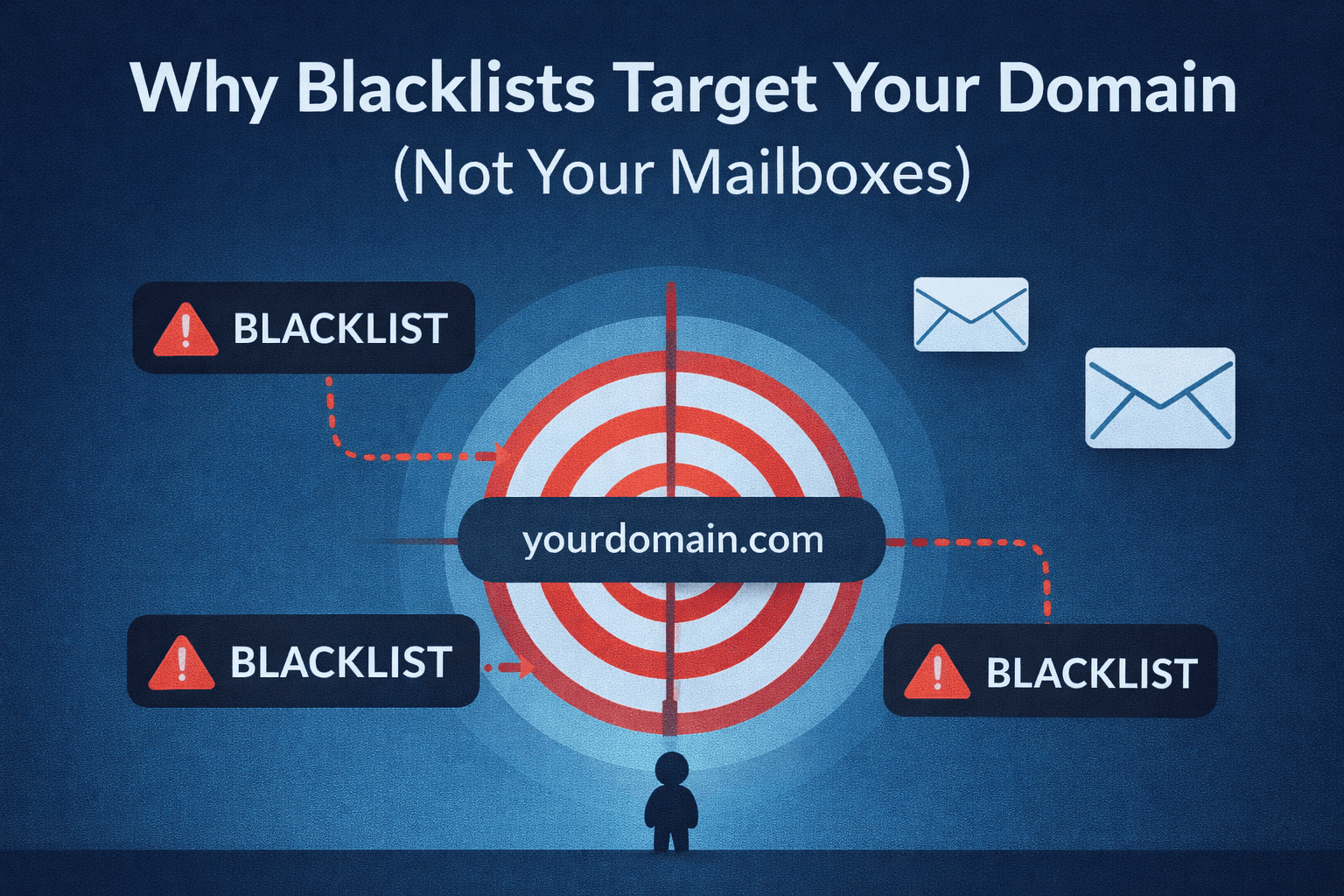
"I have 10 mailboxes on my domain. If one gets flagged, the other 9 are safe, right?"
Wrong. This is one of the most dangerous misconceptions in cold email, and it's costing senders their entire infrastructure.
The Misconception: More Mailboxes = More Safety
Many cold emailers believe that spreading their sending volume across multiple mailboxes provides protection. The logic seems sound: if one mailbox gets in trouble, the others continue working.
Here's the reality: blacklists target domains, not mailboxes.
When one mailbox on your domain triggers a spam filter, the entire domain gets flagged. It doesn't matter if you have 1 mailbox or 100 – the result is the same.
How Blacklists Actually Work
Email blacklists operate at two primary levels:
Domain-Level Blocking (The Standard)
This is how the overwhelming majority of blacklisting works. When enterprise email security systems detect spam, they record the sending domain. Future emails from any mailbox on that domain face heightened scrutiny or outright rejection.
Major email providers (Gmail, Microsoft, Yahoo) and enterprise security tools all use this approach. Their logic is simple: if spam@yourdomain.com sends spam, why should they trust legitimate@yourdomain.com?
IP-Level Blocking
IP reputation also matters, but most cold emailers use shared IPs from their email provider. Domain reputation has become the primary factor in deliverability decisions.
Mailbox-Level Blocking (The Exception)
Individual mailbox blocking is rare and typically reserved for forensic purposes:
- Tracking specific malware delivery campaigns
- Investigating phishing attacks
- Monitoring known bad actors
For normal cold email operations, mailbox-level blocking simply isn't how the system works.
The Technical Reality
Enterprise email security tools operate on domain reputation for several practical reasons:
Scale efficiency: It's far more efficient to flag one domain than track thousands of individual mailboxes from that domain.
Pattern recognition: Spammers frequently rotate mailboxes but keep the same domain. Blocking at the domain level defeats this tactic.
Infrastructure association: All mailboxes on a domain share the same authentication records (SPF, DKIM, DMARC), making domain-level reputation a natural unit of measurement.
When Google's spam filters see problematic behavior from sales1@yourdomain.com, they don't just flag that mailbox – they adjust their trust level for the entire yourdomain.com.
Why One Mailbox Can Ruin Everything
Consider this scenario:
You have a domain with 5 mailboxes, each sending 50 emails per day. Four mailboxes follow best practices, but one has:
- Poorly targeted lists
- Aggressive messaging
- High spam complaint rates
That one mailbox generates enough complaints to trigger a blacklist. The result? All 5 mailboxes – including the 4 following best practices – now face deliverability issues.
This cascade effect is why domain hygiene matters more than individual mailbox management.
The 24-48 Hour Recovery Window
Here's the good news: most blacklistings are temporary, typically lasting 24-48 hours.
The critical requirement: spam activity must stop.
If the problematic sending stops and no new complaints arrive, most blacklists will automatically delist the domain within this window. However, continued violations lead to:
- Extended listing periods
- Escalation to longer-term or permanent lists
- Reputation damage that persists beyond the listing itself
The key insight: quick detection and response can limit the damage. Continued sending while blacklisted makes everything worse.
What This Means for Your Infrastructure
If adding more mailboxes doesn't protect you, what does?
Domain Diversity > Mailbox Count
Instead of 10 mailboxes on 1 domain, consider 1-2 mailboxes on 5 different domains. This approach means:
- One domain having issues doesn't affect the others
- You can isolate different campaigns or targeting approaches
- A single mistake doesn't destroy your entire operation
Monitor Domains, Not Just Mailboxes
Stop checking individual mailbox metrics. What matters is:
- Your domain's blacklist status
- Domain-level reputation scores
- Complaint rates aggregated across all mailboxes
Quality Over Quantity
Since all your mailboxes share domain reputation, every email from every mailbox contributes to that reputation. One bad campaign from one mailbox affects all your sending.
Practical Monitoring Strategy
Given how domain reputation works, your monitoring should focus on:
- Weekly blacklist checks for all sending domains
- Aggregated complaint rates across all mailboxes per domain
- Bounce rate trends at the domain level
- Deliverability tests that verify inbox placement
Don't wait until campaigns fail to discover a blacklisting. By then, you've potentially damaged relationships with prospects who never saw your emails, and you may have wasted days of campaign activity.
Check Your Domains Now
Use our Free Blacklist Checker to instantly scan your sending domains against major blacklists. This tool checks:
- Real-time blacklist status across major lists
- Historical listing patterns
- Specific issues affecting your domain
- Recommended remediation steps
A 30-second check can save weeks of wasted effort on campaigns destined for spam folders.
The Bottom Line
Stop thinking about mailboxes as independent entities. Every mailbox on a domain is connected through shared reputation.
The protection you're seeking doesn't come from more mailboxes – it comes from:
- Multiple separate domains
- Consistent quality sending from all mailboxes
- Active monitoring at the domain level
- Quick response to any reputation issues
In cold email, your domain is your most valuable asset. One careless mailbox can depreciate it instantly.
Important-emails provides real-time blacklist monitoring and domain reputation tracking to protect your cold email infrastructure.